Support Center
Support // TS4 Support
TS4
Troubleshoot various topics related to your product.
Your most common and frequently asked questions are collected here.
Troubleshoot
- Popular Topics
Product Overview
- Technical Specifications
- Download Drivers
- User Manual
- Data Sheets
Interface
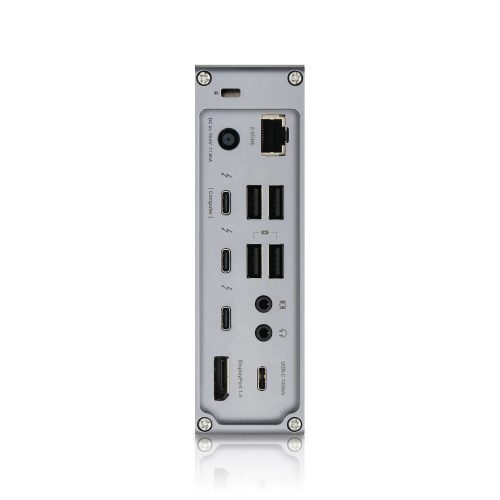
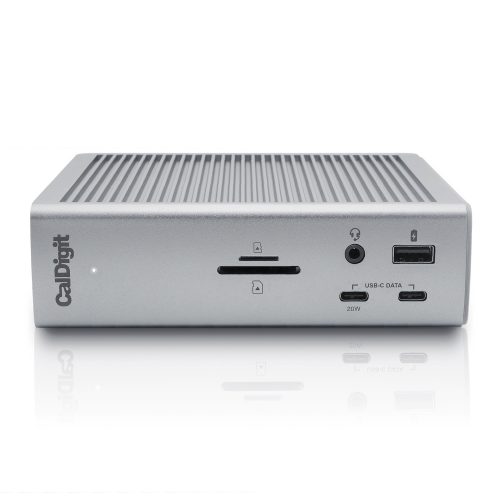
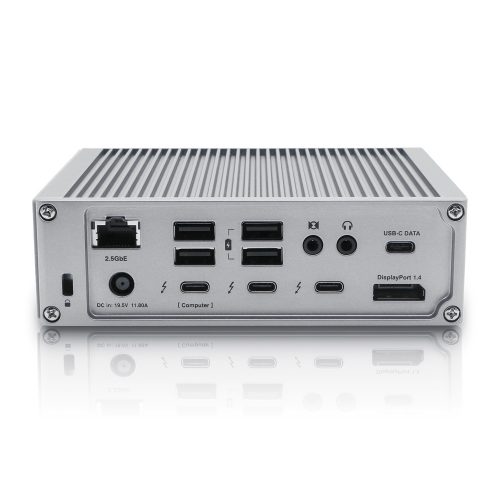
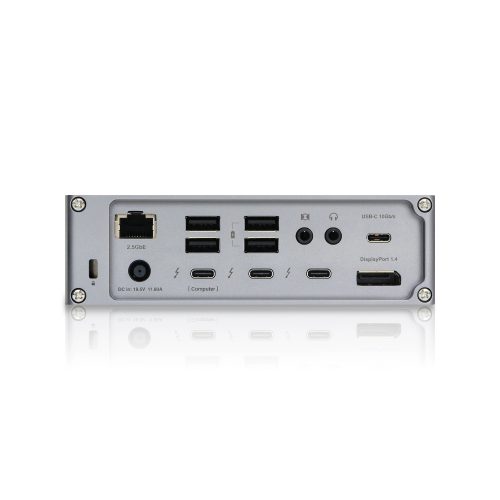
3 x Thunderbolt 4 (40Gb/s)
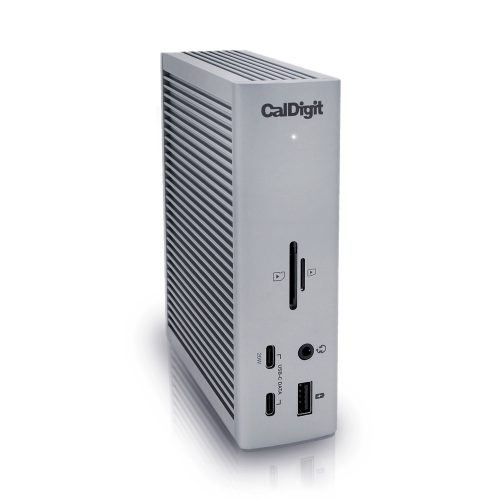
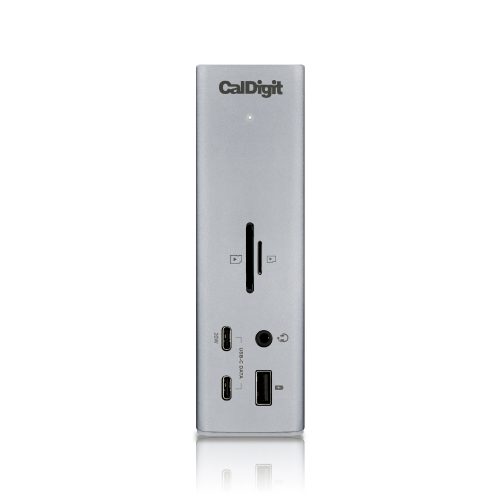
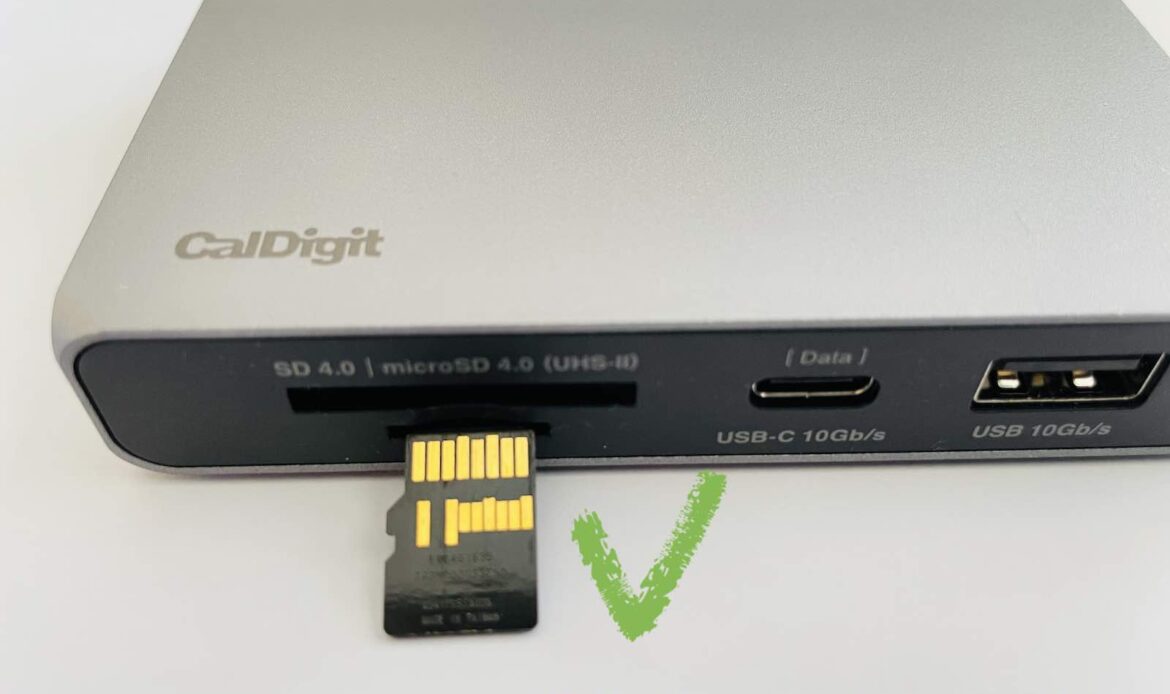
3 x USB-C (10Gb/s)
5 x USB-A (10Gb/s)
1 x DisplayPort 1.4
1 x SD 4.0 (UHS-II)
1 x microSD 4.0 (UHS-II)
1 x 2.5 Gigabit Ethernet
1 x Front Combo Audio In/Out (3.5mm)
1 x Rear Audio Out (3.5mm)
1 x Rear Audio In (3.5mm)
1 x DC In (19.5V 11.80A)
Minimum System Requirements
macOS 11.4 (Big Sur) or above
Windows 10 (20H2) or above
Thunderbolt 4 Computer
Thunderbolt 3 Computer
USB-C (USB4) Computer
USB-C Computer
Chromebook (Thunderbolt or USB-C)
iPad Pro/iPad Air/iPad mini (Thunderbolt or USB-C)
Windows Tablet (Thunderbolt or USB-C)
Power Delivery
Thunderbolt 4/USB4 Host Port: Up to 98W
Each Downstream Thunderbolt 4/USB4 Port: 15W
Front 20W USB-C Port: 20W
Remaining USB-C Ports: 7.5W
USB-A Ports: 7.5W
Size & Weight
Height: 5.55” (141.0mm)
Width: 1.65” (42.0mm)
Length: 4.46” (113.0mm)
Weight: 1.41 lbs (0.64kg)
In the Box
1 x CalDigit TS4
1 x Thunderbolt 4 Cable (0.8m)
2 x Rubber Feet Strips
1 x Power Cord
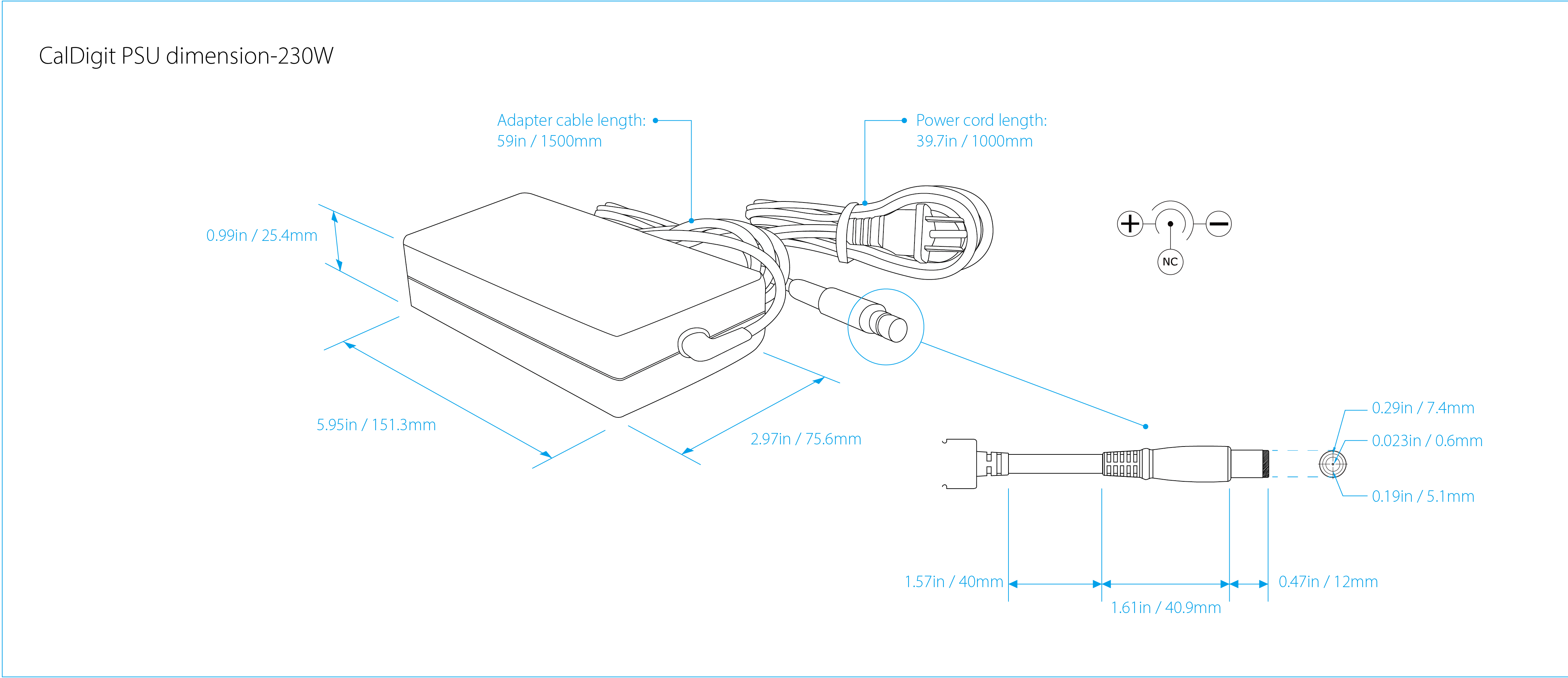
1 x Power Supply (230W)
Warranty
2 Years
[Optional] macOS Drivers & Utilities:
Docking Station Utility
*Last updated on 04/29/25
Windows Driver:
Windows 10 & 11 Ethernet Driver (Intel-Based PC) *Last updated on 02/09/24
Windows 11 Ethernet Driver (ARM-Based PC) *Last updated on 12/30/24
Data Sheets:
Latest Articles
Uninstalling the CalDigit Docking Station Utility
This article will help you uninstall the CalDigit Docking Station Utility from your Mac. Please follow the steps below: Step
Launching the CalDigit Docking Station Utility at Start-up
This article will guide you to add the CalDigit Docking Station Utility as a login item. Please follow the steps
The CalDigit Docking Station Utility
What is the CalDigit Docking Station Utility? The CalDigit Docking Station Utility is a piece of software available for macOS
SuperDrive and USB Charging Driver Installation Guide
Starting with Apple Silicon, the installation process for our SuperDrive Driver has become a little more complex. Ahead are steps
CalDigit Support is ready to assist you.
For an optimal experience please have your product name, serial number, and operating system on hand prior to contacting support
Have a quick question?
Stop by and give us a tweet @CalDigitSupport